HabiMotion turns property photos into ready-to-share videos. Create a natural room-by-room Walkthrough or show a property's possibilities with a before-and-after Renovation reveal.
Your listing, in motion.
Turn your property photos into walkthroughs and renovation reveals. One simple studio to help you show every room, share its potential and make your next listing stand out.
HabiMotion
Your next listing
Beautiful spaces. Brought to life.
Photos uploaded
Licensed music
Ready to share
Create your property video with a few clicks
Bring your listing photos together in one beautiful video. Choose a walkthrough or a renovation reveal, then let HabiMotion handle the rest.
Start creatingShare your property anywhere you like!
Add your video to your listing, share it on social media or send it straight to a buyer.
Create your videoHDReady to share
MusicLicensed tracks
20–45sYour story
Your next listingMP4Watch & download
Bring every room to life and keep it yours
Natural motion, recognizable spaces and licensed music. Watch your finished video, download it in HD and share a new perspective on your property.
Start creating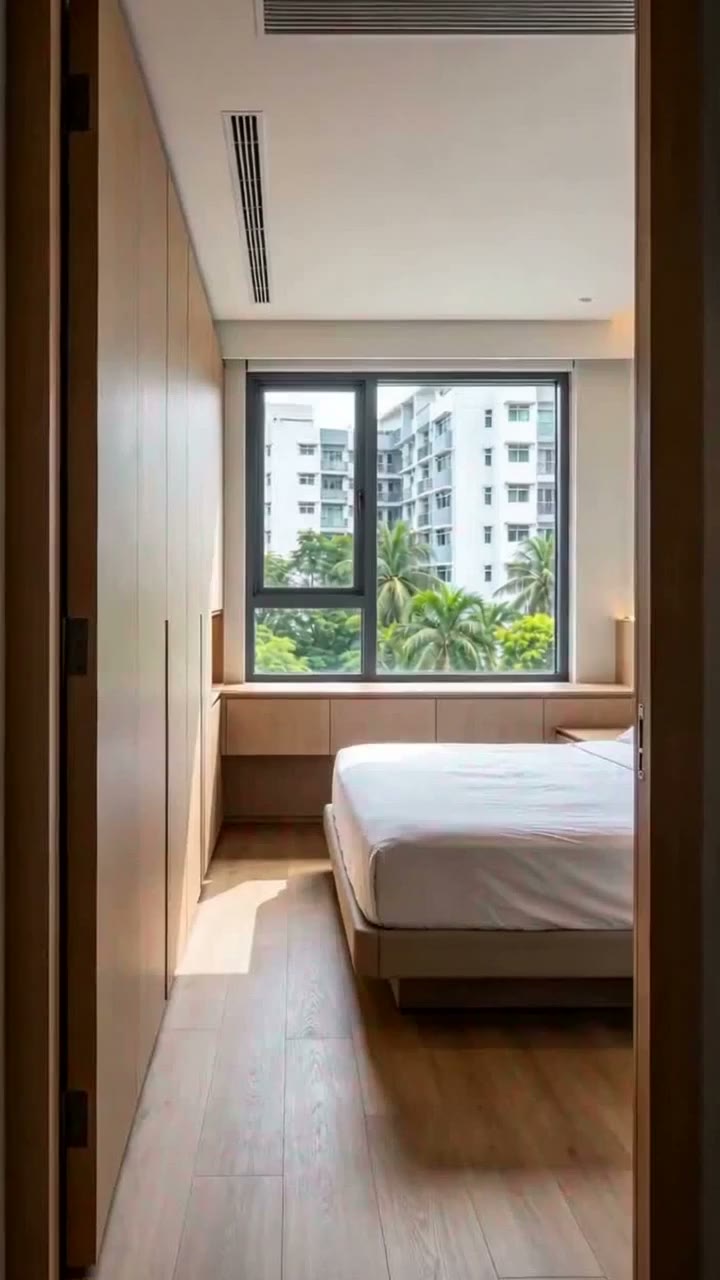 Input photo
Walkthrough video
Turn a room photo into a natural walkthrough
Create a Walkthrough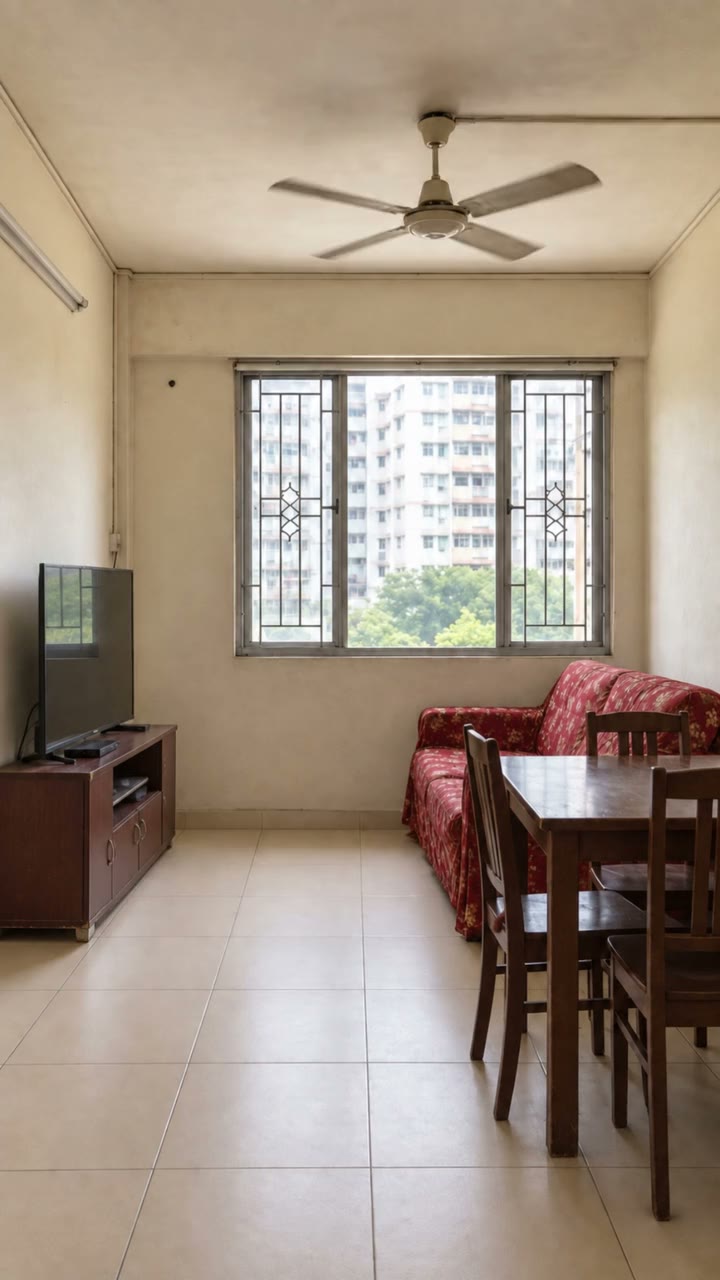 Before
Renovation video
Reveal the possibilities with a virtual renovation
Create a RenovationA simple, friendly and powerful
property video studio.
Explore all plansYour questions, answered.
Yes. Upload JPG, PNG, WEBP, HEIC or HEIF photos, or use a supported public listing URL. Use clear, well-lit photos to get the best result.
Walkthrough adds controlled camera motion to your existing room photos. Renovation creates a styled After image and a transition from the original room, while aiming to preserve its layout and architecture.
Use between 4 and 15 photos. HabiMotion analyzes the photos and selects usable rooms before generation.
Videos typically run 20–45 seconds, depending on your photos and the selected rooms. The finished MP4 includes licensed music and is ready to share.
Current Walkthrough and Renovation videos each use 100 credits. Monthly plan credits expire at the end of their billing period and do not roll over. Purchased credits never expire. Visit Pricing for the current plans and packs.
Explore plansYes. Watch and download the finished MP4 from your project page. Share it in a listing, on social media or directly with a buyer.